Manual expense tracker
PiggyPulse is a calm manual expense tracker for adding income and spending yourself, reviewing custom budget periods, and managing money without bank sync, ads, or tracking.

Free for now. No credit card required.
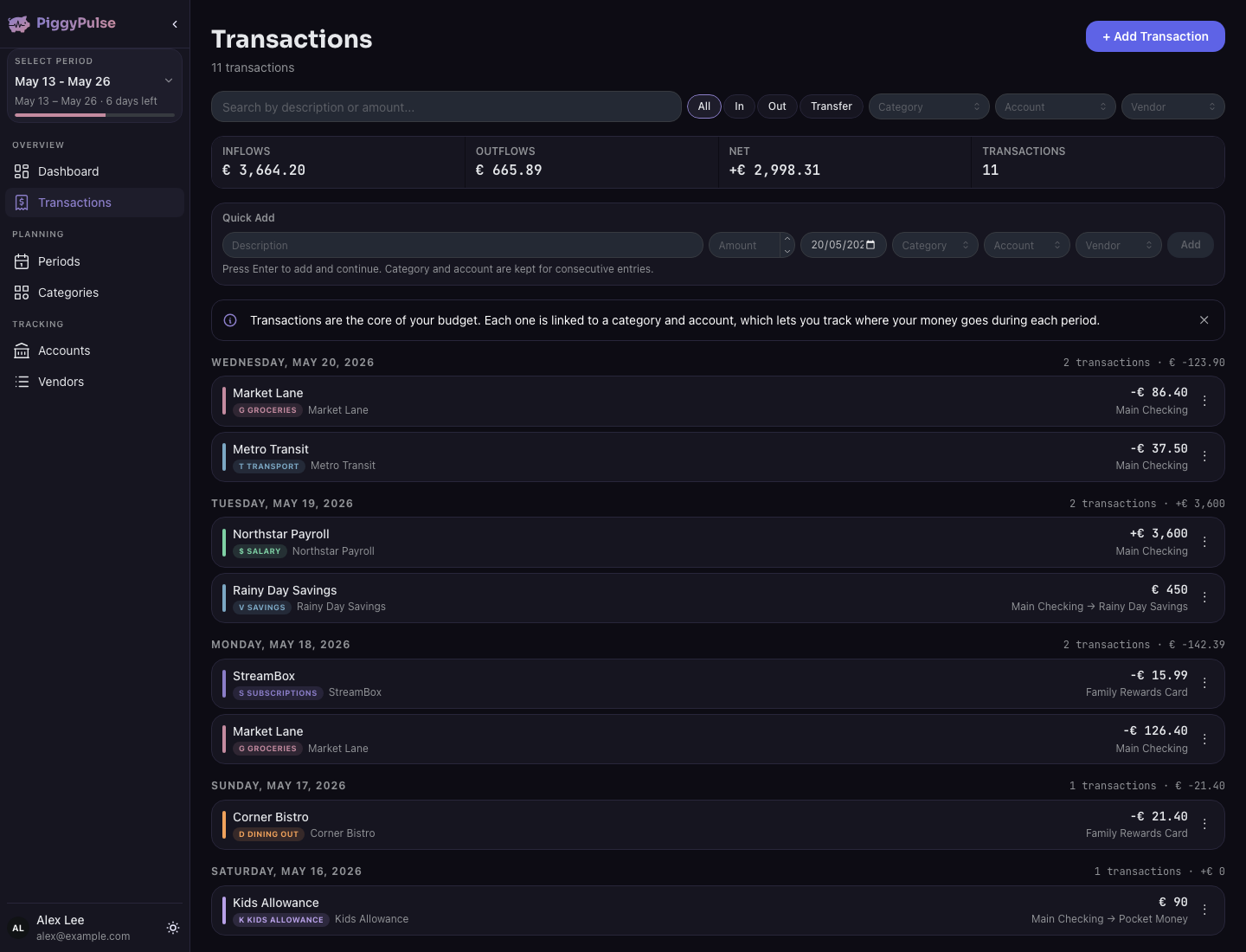
Add expenses and income yourself, so your budget reflects what you choose to track.
PiggyPulse does not connect to your bank or import transactions automatically.
Review spending weekly, biweekly, monthly, by payday, or with your own date ranges.
No ads, no tracking, no data selling, and no guilt-based design.

Why manual tracking can be useful
Automatic imports can be convenient, but they can also turn budgeting into another feed you ignore.
Manual tracking adds a small moment of awareness. When you enter an expense yourself, you notice what changed, why it happened, and how it affects the budget period you are in.
How it works
PiggyPulse gives you a structured place to track income, expenses, accounts, and budget periods manually.
Set up the accounts or categories that matter to your budget.
Record transactions when they happen or during a regular money check-in.
See what changed, what is available, and how your budget period is going.
Details
PiggyPulse is designed for practical manual tracking, not complicated financial theater.
Record money coming in during the period you are tracking.
Add spending manually so you can see what changed.
Keep an overview of the accounts or categories that matter to you.
Review spending inside weekly, biweekly, monthly, or custom date ranges.
Understand what is left for the current period.
Notice patterns without turning your budget into a noisy dashboard.
Who this is for
PiggyPulse is a good fit if you want a simple expense tracker that stays private and manual.
Good to know PiggyPulse is manual-first. If you want every transaction imported automatically from your bank, this is probably not the app you are looking for.
Feature highlights
PiggyPulse keeps manual expense tracking focused on clarity, privacy, and useful budget periods.
Add transactions yourself and keep control over what gets tracked.
Review spending across the date ranges that fit your life.
See what is available and what changed across the accounts you track.
PiggyPulse does not connect to your bank, show ads, track you, or sell your personal financial data.
Related guides
Related pages explain adjacent PiggyPulse choices.
FAQ
Yes. PiggyPulse is manual-first, so you add expenses and income yourself.
No. PiggyPulse does not connect to your bank or import transactions automatically.
Manual tracking can help you stay more aware of spending because you actively decide what to record and review.
Yes. PiggyPulse supports custom budget periods, including weekly, biweekly, monthly, payday-based, or custom date ranges.
Yes. PiggyPulse is free for now.
Yes. PiggyPulse is available as a web app and an iOS app.
Add income and expenses yourself, review custom budget periods, and keep your financial tracking calm and private.
Free for now. No credit card required.